

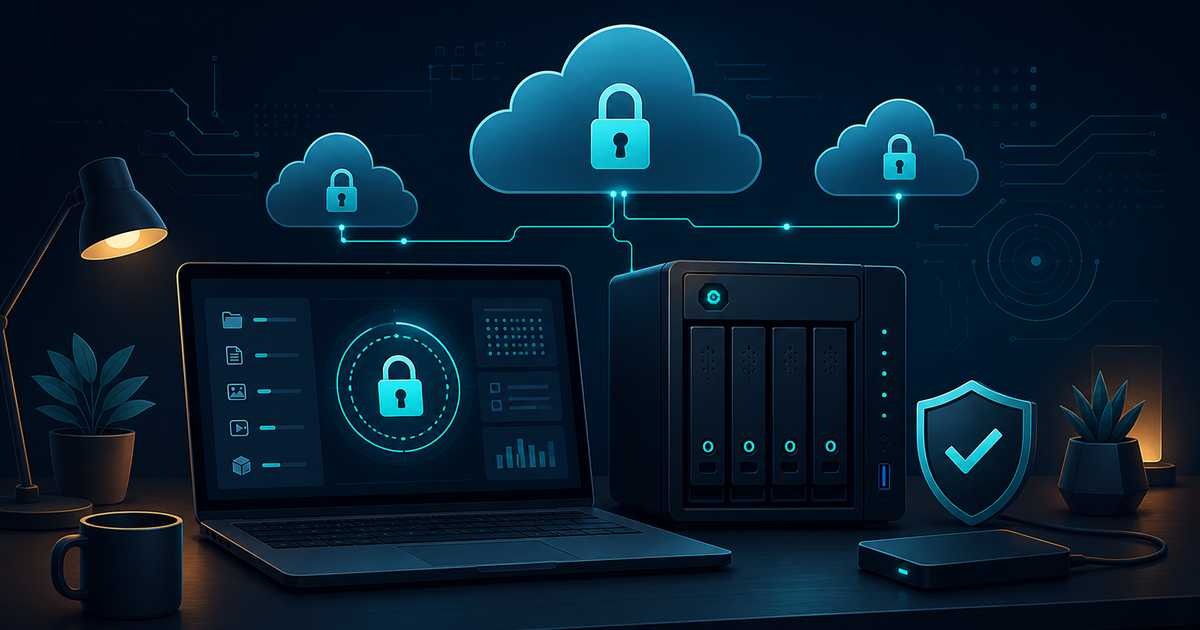
In 2026, the hard drives of remote workers and solo developers or creators contain a mix of three things: client contracts, source code, and years' worth of original videos and photos. If even one of these is leaked or locked away, the work comes to a halt. Yet, most backups rest on the assumption that "it's all safe in Google Drive".
This article tests that assumption one by one. We compare five storage options—Proton Drive, Synology NAS, Backblaze B2, Google Drive, and iCloud—across four axes: ① Who holds the keys (E2EE) ② Cost per capacity ③ What are the egress costs ④ Can it withstand ransomware (immutable backup). Finally, we present a practical 3-2-1 backup configuration that you can implement right away. The pricing and features are based on official documents as of November 2026, and since plans can change frequently, it's wise to check the official page before signing up.
1. Each Storage Solution Answers Different Questions
The most common mistake is to group these five options into the same category. In reality, they occupy 'the default for collaboration', 'self-hosted server', 'warehouse', 'free office', and 'device shadow' roles.
- Proton Drive (Privacy Default): An E2EE cloud operated by a Swiss company. Files are encrypted on your device before uploading, meaning even the company cannot view the contents. It serves as a 'confidential vault' primarily for documents and photos.
- Synology NAS (Self-Hosted Server at Home/Office): A storage server physically located in your room or office. With Synology Drive and Hyper Backup, you have complete control over your data, making it the 'main base' for offsite backups. However, it is vulnerable to fire, theft, and power outages, so it is not a complete backup solution on its own.
- Backblaze B2 (Warehouse Across the Sea): One of the cheapest object storage solutions at $6 per terabyte per month. It serves as a warehouse for bulk server images and archives, and Object Lock (immutable storage) plays a crucial role in ransomware defense.
- Google Drive (Collaboration and Free 15GB): The standard for sharing and simultaneous editing, featuring the most familiar interface. However, the encryption keys are held by Google, and there are limitations on control due to spam and account suspension risks that can lock you out of your data.
- iCloud (Shadow of the Apple Ecosystem): Device backups and photo synchronization are almost automatic, making it a 'set-and-forget backup'. When Advanced Data Protection is enabled, most data is switched to E2EE, but by default, Apple holds the keys.
| Category | Proton Drive | Synology NAS | Backblaze B2 | Google Drive | iCloud |
|---|---|---|---|---|---|
| Role | Confidential Vault (E2EE) | Self-Hosted Server/Main Base | Bulk Object Warehouse | Collaboration/Free Office | Device Backup Shadow |
| Key Storage (Default) | My Device (E2EE) | Me (Local) | Me (Bucket Key/Encryption Options) | Apple (Me when ADP is enabled) | |
| Typical Cost | Proton Unlimited approx. $10-13/month (2TB+) | One-time equipment cost of 300,000-800,000 KRW + disks | Storage $6/TB/month | Free 15GB / 100GB $2/month / 2TB $10/month | Free 5GB / 50GB ₩1,500/month / 2TB ₩13,000/month |
| Download/Egress | Free (within plan limits) | Free (my connection speed) | Free (3 times the monthly storage limit, $0.01/GB for excess) | Free (web/API surcharges possible) | Free |
| Ransomware Defense | Version History (E2EE) | Snapshots + Hyper Backup + Immutable Folders | Object Lock Immutable Storage | Trash 30 days + Version History | 30-day recovery from deletion |
2. The Source of the Keys: Current State of E2EE Across Five Storage Solutions
Remote workers should choose their storage based on 'who holds the keys' for confidential documents (contracts, client databases, financial data).
- Proton Drive: Documents, photos, and folders are E2EE by default. When sharing with others, you can maintain the encryption status by setting a link password. The Swiss legal system is relatively strong against large-scale surveillance demands. A downside is that its collaboration features (like simultaneous editing) are simpler compared to Google.
- Synology NAS: Since the data is physically in your possession, the 'key' issue is eliminated. However, it's safer to access remotely only through VPN tunnels like Synology's QuickConnect or Tailscale without port forwarding on the router. Leaving ports open to the internet increases the attack surface.
- Backblaze B2: The bucket itself is managed with my key, and by adding client-side encryption like rclonecrypt, it is encrypted before upload, meaning the company cannot view the contents. It serves as a storage-only warehouse, making it different from collaborative documents where 'reading' is more important than 'writing'.
- Google Drive: There are options for client-side encryption in individual paid Workspace plans, but the default for free/personal accounts is that Google holds the keys. It's safer not to store confidential documents here, only collaborative copies.
- iCloud: By default, the key is held by Apple. When Advanced Data Protection is enabled, most data, including photos, backups, and notes, switch to E2EE, but with that comes the responsibility of losing the recovery key means you can never retrieve your data.
3. Egress and Costs: Question the Cost of Withdrawal Over Deposit
The trap of cloud pricing lies not in the monthly subscription fee but in the 'cost of withdrawal'. This is especially critical for workloads with frequent reads, like large video archives.
- Backblaze B2: Storage at $6/TB/month is among the lowest in the industry, and egress is free up to three times the monthly storage amount (excess at $0.01/GB). Even assuming you need to download a full 1TB archive, it’s practically free.
- Large hyperscalers (like AWS S3 as a comparison): Both storage costs are high, and egress is around $0.09 per GB, meaning retrieving 1TB costs about $90. This is a classic case of 'cheap to put in, expensive to take out.'
- Subscription-based (Drive/iCloud): There’s no concept of egress, allowing for near-unlimited reading and writing within plan limits. However, the cost per capacity is higher than B2. For 2TB, Google charges $10 vs. B2's $12 — while they seem similar, subscriptions include 'services' like collaboration, search, and apps, whereas B2 is just a bare-bones 'warehouse'.
- NAS: As long as you pay for your connection, downloads are free. If you fill it with 20TB, the cost per TB is overwhelming, but without a separate offsite copy for fire, theft, or disk failure, it’s not a backup but just 'data pooled in one location.'
4. Ransomware Benchmark: The Qualification of Being Unremovable
Ransomware encrypts files while also encrypting the originals in the connected sync folders. This means if a laptop gets infected while syncing with Google Drive, the 'backup' in the cloud also gets encrypted. The solution to this is immutable storage.
| Storage | Ransomware Defense Measures | If the Infected Laptop is Connected |
|---|---|---|
| Backblaze B2 | Object Lock (Compliance Mode) | Not a sync concept, so it’s safe — deletion during the designated period is impossible |
| Synology NAS | Btrfs Snapshots + Immutable Folders + Hyper Backup | Snapshots serve as a defense line — but a second copy of snapshots needs to be regularly stored |
| Proton Drive | E2EE Version History | Disconnect sync and restore from version history — not physically isolated, so there are limitations |
| Google Drive | Trash 30 days + Version History | Malicious changes synced up — relies on manual restoration within 30 days |
| iCloud | 30-day recovery from deletion | Likewise, manual restoration rather than automatic recovery |
5. Practical 3-2-1 Configuration: Recipes for Three Types
The 3-2-1 principle consists of three copies, two different media, and one offsite location. In the era of ransomware, we add 'one immutable copy (the offline, immutable axis of 3-2-1-1-0)'. Here are three combinations based on workload.
Option A — Remote Worker/Document-Centric ($10-15/month)
Confidential documents are stored in Proton Drive (E2EE main base), collaborative documents in Google Drive (shared copies), and every night, a complete backup of both clouds is made on Synology NAS (Hyper Backup). Ransomware defense is handled by a dual structure of NAS's Btrfs snapshots and Proton Drive's version history. Costs include Proton Unlimited (about $10/month with a 12-month discount) plus electricity and connection fees.
Option B — Solo Developer/Server/Code-Centric ($12-20/month)
The code is stored in GitHub (private repository) as the main base, while server images, DB dumps, and Docker volumes are backed up daily at dawn using rclone client-side encryption → Backblaze B2 (Object Lock for 90 days). Additionally, a physical snapshot is kept every two weeks on a low-cost NAS or external SSD. At around $6 per month for 1TB, this is entirely manageable within a personal budget.
Option C — Creator/Video/Photo Archive-Centric ($13-20/month)
Original 4K sources are stored on Synology NAS (with at least 2 large HDD bays), while Backblaze B2 Object Lock (or for convenience, iCloud+ 2TB with ADP on) maintains an offsite copy. Only editing project files are collaborated on via Google Drive and Proton Drive. Even if the NAS is lost to fire, the ability to recover everything from the B2 warehouse at virtually no egress cost aligns particularly well with video workloads.
| Configuration | E2EE Main Base | Collaboration Space | Warehouse/Offsite | Immutable/Snapshot | Monthly Cost |
|---|---|---|---|---|---|
| Option A Document-Centric | Proton Drive | Google Drive | NAS → Cloud Backup | NAS Snapshots | $10-15 |
| Option B Development-Centric | GitHub Private | — | Encrypted rclone → B2 | B2 Object Lock | $6-20 |
| Option C Video-Centric | iCloud (ADP) | Google Drive | NAS Originals + B2 | B2 Object Lock | $13-20 |
📌 Editor's Three-Line Key Summary
- The source of the keys is the standard: Confidential data belongs in Proton Drive or NAS, collaboration in Google Drive, and shadow backups in iCloud — don’t put everything in the same place.
- The trap of archive costs lies not in storage fees but in egress — B2 offers free returns up to three times monthly, while hyperscalers charge tens of dollars for 1TB returns.
- The benchmark for ransomware defense is immutable copies — B2 Object Lock and NAS snapshots are necessary to avoid the pitfalls of 'connected backups.'
Visit Proton Drive · Check Backblaze B2 Pricing · Visit Synology Official Site · Learn About iCloud Advanced Data Protection · Check Google One Plans